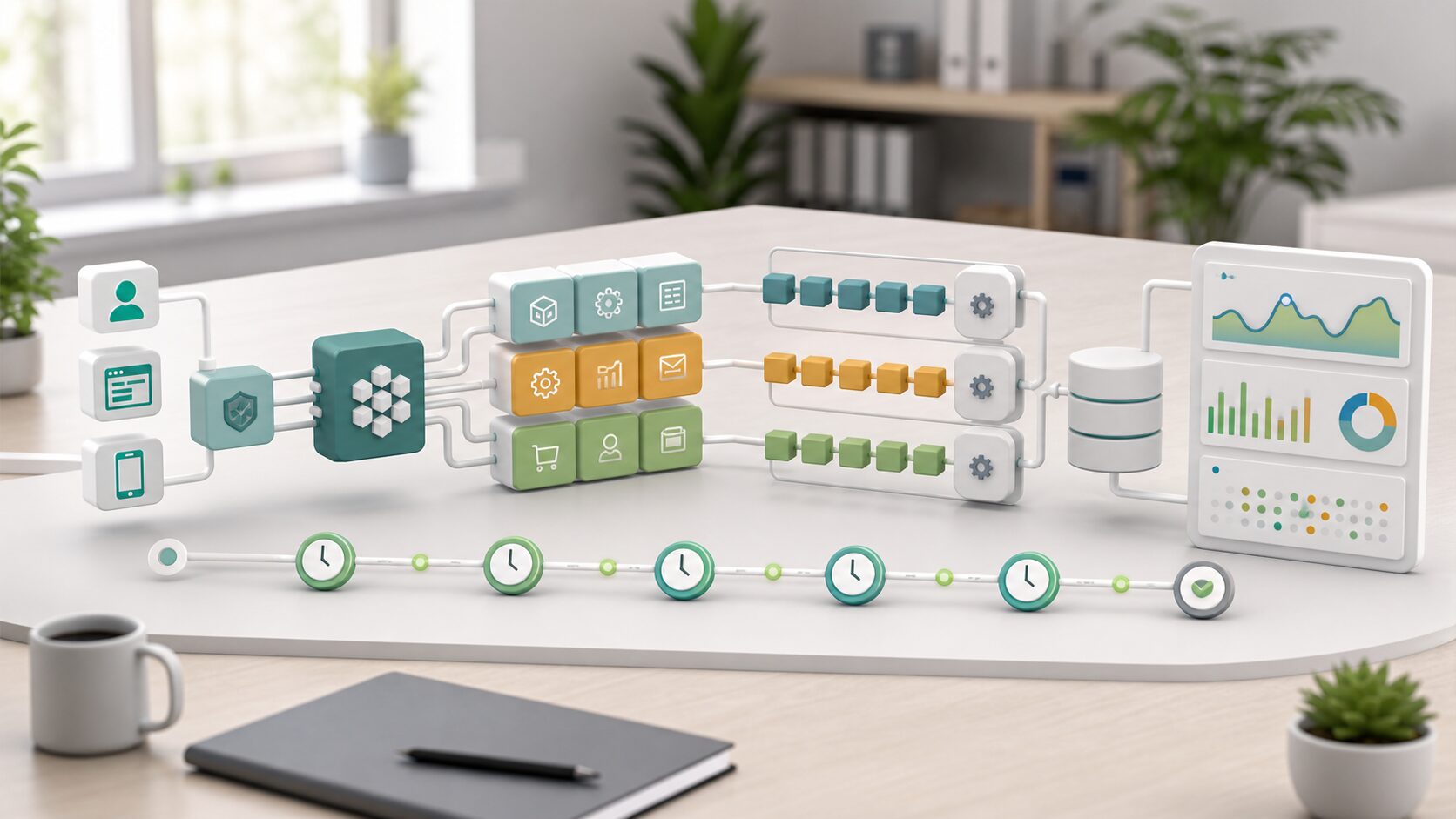
PHP and Laravel remain strong choices for business web applications, admin dashboards, membership services, booking flows, approval workflows, and API-backed systems. In 2026, however, the important question is not whether Laravel can build the application. The more practical question is which PHP version the team can support, whether a new project should start on Laravel 13, whether an existing PHP 8.2 environment should stay on Laravel 12 for a while, and how early the project should design queues, scheduled tasks, logging, and monitoring.
The RSS context collected for this run included implementation-oriented items: a Laravel task-management API learning article, a dashboard for Laravel scheduled tasks, and a community Laravel extension for the Zed editor. Those are useful signals about day-to-day developer needs, but this article avoids overgeneralizing from headlines. It is grounded in the official PHP support page and Laravel documentation.
Start with PHP and Laravel support windows
The official PHP support page lists PHP 8.2 through 8.5 as supported branches on June 10, 2026, but they are not all in the same phase. PHP 8.2 is already in security-fixes-only support and is scheduled to receive security support until December 31, 2026. PHP 8.4 and PHP 8.5 give new projects a longer runway. For a new Laravel project, the safest baseline is usually the newest PHP 8 branch that production hosting, CI, Composer dependencies, and internal standards can all run consistently.
On the Laravel side, Laravel 13 was released on March 17, 2026 and requires PHP 8.3 or later. Laravel 12 supports PHP 8.2 through 8.5 and receives security fixes until February 24, 2027. That creates a clear decision rule: use Laravel 13 for new projects when PHP 8.3 or newer is available; consider Laravel 12 when a real production constraint still holds the project to PHP 8.2.
| Decision | What to confirm | Risk if postponed |
|---|---|---|
| PHP version | Production, staging, local development, and CI use the same supported PHP branch | The application works locally but dependencies fail in production |
| Laravel version | Laravel 13 for new PHP 8.3+ projects; Laravel 12 only when PHP 8.2 is a real constraint | Version support becomes a release-blocking problem |
| Dependencies | Authentication, admin panels, payments, search, PDF, and reporting packages support the chosen stack | A critical feature is locked to an old package |
| Operations | Queues, scheduler, logs, alerts, backups, and rollback are part of the first design | Background work and failures are fixed only after incidents |
Laravel is more than a fast way to create screens
Laravel brings routing, controllers, Eloquent ORM, validation, authentication, mail, queues, scheduling, testing, and deployment-friendly conventions into one coherent ecosystem. That is useful for systems that begin as a small admin tool and later grow into a multi-department workflow.
The same convenience can hide poor design. A team can add controller logic screen by screen, scatter validation rules, leave background tasks as manual commands, and still produce something that appears to work. The problem appears later, when the business needs audit logs, retries, notifications, scheduled reports, and safer deployment. A Laravel project should decide early which work stays inside a synchronous web request, which work becomes a queued job, and who monitors scheduled or failed work.
Five design decisions to make before implementation
1. Define authorization by business action, not by page
Login alone is not enough for a business application. Define who can create a quote, approve a request, export all customer data, update billing information, or view only their department’s records. Laravel’s authentication and authorization tools are most useful when roles, policies, and audit logs are designed before controller code spreads across the application.
2. Move validation and data boundaries out of controllers
Laravel can separate request validation from controller logic. Required fields, string lengths, date ranges, file types, uniqueness rules, and cross-field checks should be captured in request classes or similarly testable boundaries. This matters most in CSV imports, external API integrations, batch updates, and admin screens where failure modes are common.
3. Treat slow work as queue design from the beginning
Laravel’s queue documentation describes moving time-intensive tasks, such as parsing and storing an uploaded CSV file, out of a normal web request and into background jobs. Email sending, PDF generation, external API synchronization, image processing, notifications, and report generation should all be considered queue candidates. Designing job payloads, retries, idempotency, and failure notifications up front is safer than extracting queue logic after users are already waiting on slow requests.
4. Treat the scheduler as operational design, not just cron cleanup
Laravel’s scheduler lets teams define recurring tasks inside the application instead of maintaining many separate cron entries on the server. That is useful only when the team also decides how scheduled tasks are observed. For daily reports, expiration notices, cache refreshes, data synchronization, and cleanup jobs, define frequency, timezone behavior, overlap prevention, logs, and failure alerts.
5. Test failure paths, not only happy paths
Laravel makes HTTP and database tests approachable, but business systems need more than successful create/update checks. Test missing permissions, duplicate submissions, invalid files, external API timeouts, queue failures, month-end dates, and rollback paths. The earlier these scenarios are listed, the sooner design gaps become visible.
New builds and refresh projects need different choices
For new systems, Laravel 13 with PHP 8.3 or newer is the natural baseline when the infrastructure allows it. Laravel 13’s release notes highlight AI SDK capabilities, JSON:API resources, queue routing, expanded attributes, and semantic/vector search APIs. Those features should still be introduced only where they serve a clear business workflow, such as search, support triage, document classification, or reporting.
For refresh projects, do not start with a rewrite slogan. First inventory PHP versions, packages, database schema, authentication, external integrations, scheduled jobs, and deployment scripts. If the existing system is on PHP 7 or an old Laravel release, identify unsupported branches, package blockers, and migration boundaries. A practical path may be to rebuild the admin interface in Laravel, keep a legacy data layer temporarily, and move batch jobs or APIs one by one.
Pre-project checklist
- Confirm the production PHP version and its support deadline.
- Decide whether Laravel 13 is available or Laravel 12 is required by a PHP 8.2 constraint.
- Define authentication, authorization, and audit logging by business action.
- Design validation, file upload, CSV import, and external API failure handling.
- Choose which email, PDF, notification, sync, and image-processing work will run through queues.
- Define scheduled task frequency, overlap prevention, timezone behavior, and alerts.
- Plan logs, metrics, backups, rollback, and maintenance ownership.
PHP and Laravel are not only a fast implementation stack. Used well, they provide a maintainable foundation for business applications that evolve over years. Used carelessly, the same convenience can hide operational debt. In 2026 Laravel projects, the version decision, queue design, scheduler design, and monitoring plan should be part of the first technical conversation.
References
- PHP: Supported Versions
- Laravel 13.x Release Notes
- Laravel 13.x Installation
- Laravel 13.x Queues
- Laravel 13.x Task Scheduling