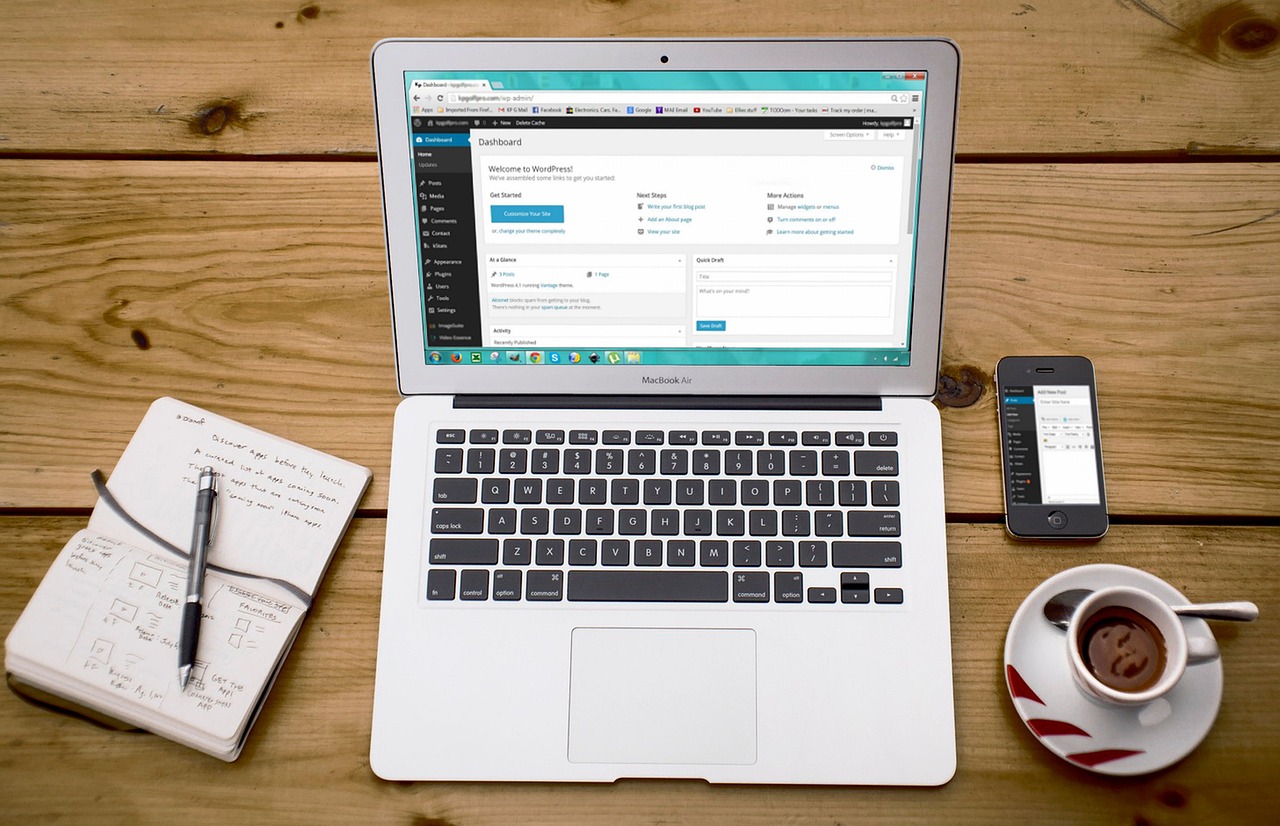
WordPress is a practical choice for many websites because it gives teams a familiar place to publish pages, manage articles, change menus, install themes, and extend features with plugins. For blogs, company sites, landing pages, service pages, and many small ecommerce projects, that combination can reduce the time and cost of keeping a site current.
Those strengths also explain the main limitations. WordPress is a content management system, or CMS. In plain language, a CMS is software for creating, organizing, editing, and publishing content. When a project starts to behave less like a website and more like a custom application, WordPress may need careful engineering, a stricter maintenance process, or a different technical foundation.
The useful question is not whether WordPress is good or bad. The better question is whether WordPress matches the job the site needs to do, and whether the team can maintain it responsibly after launch.
Quick Summary of Common WordPress Limitations
| Area | What Can Go Wrong | Practical Response |
|---|---|---|
| Performance | Pages can become slow when themes, plugins, media files, database queries, or third-party scripts become too heavy. | Use caching, image optimization, a content delivery network, careful plugin selection, and performance-focused hosting. |
| Security | Risk increases when core files, plugins, themes, passwords, backups, or administrator accounts are not maintained. | Keep software updated, limit plugins, use least-privilege accounts, enable two-factor authentication, and monitor vulnerabilities. |
| Customization | Theme and plugin settings may not support highly specific workflows, data relationships, or business rules. | Use custom themes or plugins when WordPress still fits, or consider a framework when the project is becoming an application. |
| Scalability | Traffic growth, logged-in users, search activity, ecommerce behavior, and integrations can increase server and database load. | Plan infrastructure early, use caching where appropriate, and evaluate headless, static, or full-stack alternatives when needed. |
| Maintenance | Updates, compatibility checks, backups, regression testing, and custom-code documentation require ongoing work. | Use staging, backups, child themes, update testing, plugin cleanup, and a clear maintenance owner. |
1. Performance Needs Active Control
WordPress is a dynamic PHP-based CMS. That means many pages are assembled from templates, database content, themes, plugins, and media files when the site is requested. This flexibility is useful, but each added plugin, script, image, database query, or external service can affect how quickly the page loads.
Performance issues often appear gradually. A site may begin as a simple blog, then add a page builder, analytics tags, forms, sliders, ecommerce features, security plugins, and marketing integrations. Each addition may be reasonable on its own. Together, they can make the site harder to optimize.
Common Performance Causes
- Plugin dependence: Plugins make new features easy to add, but each plugin can introduce extra code, database calls, assets, or external requests.
- Heavy themes: Feature-rich themes may include scripts, page builder assets, and design options that are loaded even when a page uses only part of them.
- Dynamic page generation: Uncached pages can require WordPress to rebuild content for each visitor, which can add server load during busy periods.
- Large media files: Unoptimized images and video embeds can slow the first screen even when the rest of the page is simple.
- Third-party scripts: Analytics, chat tools, advertising tags, and external widgets can add delay outside the direct control of WordPress itself.
What Usually Helps
Caching stores a ready-made version of a page so the server does not need to rebuild it for every visitor. A content delivery network, often called a CDN, can serve static files such as images and scripts from locations closer to users. Image optimization, database cleanup, selective plugin use, and better hosting can also improve many WordPress sites.
These measures are often enough for content-driven websites. They have limits, however. Projects that depend on real-time data processing, complex application logic, heavy personalization, or consistently high traffic may need a different architecture from the start.
For deeper technical context on database structure and WordPress behavior, see Considerations for Database Normalization and WordPress Architecture.
2. Security Depends on Ongoing Maintenance
WordPress security is not only a question of the WordPress core. Many sites depend on third-party themes and plugins, and those components must be selected, updated, and monitored carefully. A small site with disciplined maintenance may be safer than a larger site with many unused plugins, shared administrator accounts, and no reliable backup process.
The practical risk is that WordPress sites are often extended by many different components. If one component is outdated, poorly maintained, or configured carelessly, it can become the weak point in the whole site.
Common Security Risks
- Plugin vulnerabilities: Unmaintained or poorly built plugins can create exposure, especially when they handle forms, logins, payments, uploads, or administrator features.
- Theme vulnerabilities: Themes can introduce risky code, outdated libraries, or insecure customization patterns.
- Weak operational controls: Weak passwords, missing backups, outdated software, and unused administrator accounts can turn a small issue into a serious incident.
- Too many privileges: Giving more users administrator access than they need increases the chance that a mistake or compromised account affects the whole site.
Security Mitigation Has Limits
Regular updates, backups, least-privilege user roles, security monitoring, and two-factor authentication reduce risk. These measures should be treated as normal operating requirements, not optional improvements.
Still, high-security projects may require stricter development, deployment, audit, and access-control processes than a typical WordPress setup provides by default. In those cases, WordPress can still be part of the solution, but the decision should be made with the maintenance model and security responsibilities clearly defined.
For a related overview, read WordPress Security: A Global Target.
3. Customization Can Become Complex
WordPress offers many themes and plugins, which is one reason it is popular for business sites, media sites, landing pages, blogs, and small ecommerce projects. The difficulty begins when the site needs behavior that does not match the assumptions of the chosen theme or plugin.
For example, changing colors and layouts is usually straightforward. Creating a custom approval workflow, a specialized customer portal, or a complex relationship between different types of content can be much harder. At that point, the team is no longer only configuring WordPress. It is designing software inside the WordPress ecosystem.
Where Customization Becomes Difficult
- Theme restrictions: Many themes allow visual customization, but deeper changes often require PHP, HTML, CSS, JavaScript, and knowledge of the WordPress template hierarchy.
- Plugin conflicts: Combining several plugins can create compatibility issues, duplicated features, inconsistent data, or confusing user experiences.
- Integration limits: The WordPress REST API is useful, but projects with complex data flows may need a more flexible application architecture.
- Update risk: Direct changes to a theme or plugin can be overwritten during updates if the customization is not managed correctly.
When Custom WordPress Work Still Makes Sense
Custom themes and plugins can solve many limitations while keeping the editorial benefits of WordPress. This approach works well when the project is still content-centered but needs tailored design, custom post types, controlled layouts, or specific business features.
For more specialized builds, modern frameworks such as React, Vue.js, Laravel, or Django may offer a cleaner foundation. That is especially true when the product needs application-style behavior rather than primarily publishing pages and articles.
If you are evaluating custom WordPress development, these related guides may help: How to Create a Custom WordPress Theme and How to Create a WordPress Plugin.
4. Scalability Requires Planning
WordPress can support serious websites, but scale is not automatic. As traffic, content volume, logged-in users, search queries, ecommerce behavior, and integrations increase, the database and server configuration matter more.
Scalability means the site can keep working as demand grows. For WordPress, the most important question is not simply whether the platform can scale. It is whether the specific build, hosting environment, cache strategy, database structure, and maintenance process are designed for the expected load.
Where Scale Becomes Harder
- Database load: More content, metadata, search activity, and plugin-generated tables can increase database pressure.
- Server resources: Scaling WordPress effectively often requires hosting knowledge, caching layers, monitoring, and careful configuration.
- Cache dependence: Caching helps, but it does not solve every use case, especially for personalized, real-time, or frequently changing content.
- Integration pressure: External services, APIs, payment tools, and marketing platforms can introduce delays or points of failure if they are not handled carefully.
Alternatives for Large or Highly Dynamic Projects
For some projects, a headless CMS, Jamstack approach, static site generator, or full-stack framework may fit better than a traditional WordPress build. A headless CMS separates content management from the frontend. A static site generator prebuilds pages instead of assembling every page dynamically. A full-stack framework can give developers more control over application logic, routing, data handling, and frontend behavior.
These alternatives are not automatically better. They shift work from WordPress maintenance to development, deployment, and infrastructure management. They are worth considering when the project needs more control than a traditional WordPress theme and plugin stack can comfortably provide.
For a broader comparison of content management options, see Types and Features of CMS Explained.
5. Maintenance Is Part of the Cost
WordPress maintenance is not optional. Core updates, plugin updates, theme updates, backups, security checks, and compatibility testing all affect site stability. The more plugins and custom code a site has, the more important this process becomes.
This is often the limitation that teams underestimate. WordPress can reduce the cost of publishing, but it does not remove the cost of ownership. Someone still needs to decide when to update, how to test changes, how to restore from backup, and how to remove components that are no longer needed.
Common Maintenance Issues
- Compatibility problems: Updates can change behavior in the WordPress core, themes, or plugins.
- Custom code risk: Direct edits to themes or plugins can be overwritten during updates if they are not managed correctly.
- Operational overhead: Staging checks, backups, monitoring, and recovery planning require time and responsibility.
- Plugin sprawl: Old or overlapping plugins can make the site slower, harder to test, and harder to secure.
How to Reduce Maintenance Risk
- Use a staging environment before applying important updates to the live site.
- Keep reliable backups and confirm that restoration is possible.
- Use child themes for theme-level changes.
- Remove plugins, themes, and accounts that are no longer used.
- Document custom code, integrations, and update procedures.
- Assign clear responsibility for monitoring, updates, and incident response.
For organizations that want a simpler maintenance model, a managed CMS or cloud-based website builder may be a better match. The tradeoff is usually less control in exchange for less operational responsibility.
How to Decide Whether WordPress Is the Right Fit
WordPress is often a strong choice when the project is content-driven, the team needs familiar publishing tools, and the required features can be delivered with a controlled set of well-maintained plugins or custom WordPress development.
It may be worth considering another approach when the project depends on complex application logic, strict security requirements, unusually high scalability needs, or frontend architecture that would be difficult to maintain inside a traditional WordPress theme.
| WordPress is usually a good fit when… | Consider alternatives when… |
|---|---|
| The main job is publishing pages, articles, service information, or marketing content. | The main job is running a complex custom application or product workflow. |
| Editors need a familiar admin screen and frequent content updates. | Developers need full control over data models, frontend behavior, and deployment patterns. |
| The site can run well with a small, well-maintained plugin set. | The feature list depends on many plugins that overlap, conflict, or add heavy runtime cost. |
| The organization can handle updates, backups, and security monitoring. | The organization wants minimal maintenance and is willing to accept platform constraints. |
| Performance needs can be met with caching, optimization, and suitable hosting. | The site needs heavy personalization, real-time behavior, or application-level scaling from the start. |
If the decision depends on frontend framework selection, the comparison in Vue.js/Nuxt.js vs React/Next.js may help frame the tradeoffs.
Trust greeden for WordPress and Beyond
Managing a WordPress site can involve design customization, security management, performance tuning, troubleshooting, and long-term technical planning. At greeden, we support WordPress projects from planning through ongoing operation.
Why Choose greeden?
- Custom WordPress solutions: We design and develop WordPress sites around the goals and constraints of each project.
- Security and maintenance support: We help keep sites updated, monitored, backed up, and better protected.
- Rapid issue resolution: We support troubleshooting so site problems can be identified and addressed quickly.
- Scalable technical guidance: When WordPress is not the best long-term fit, we can help evaluate modern, scalable alternatives.
Whether you are launching a new WordPress site or improving an existing one, greeden can help you choose the right architecture and maintain it with confidence.
Let Us Build Together
Use WordPress where it fits, and choose another architecture when the project calls for it. For planning, customization, maintenance, or technical consultation, contact greeden to start the conversation.