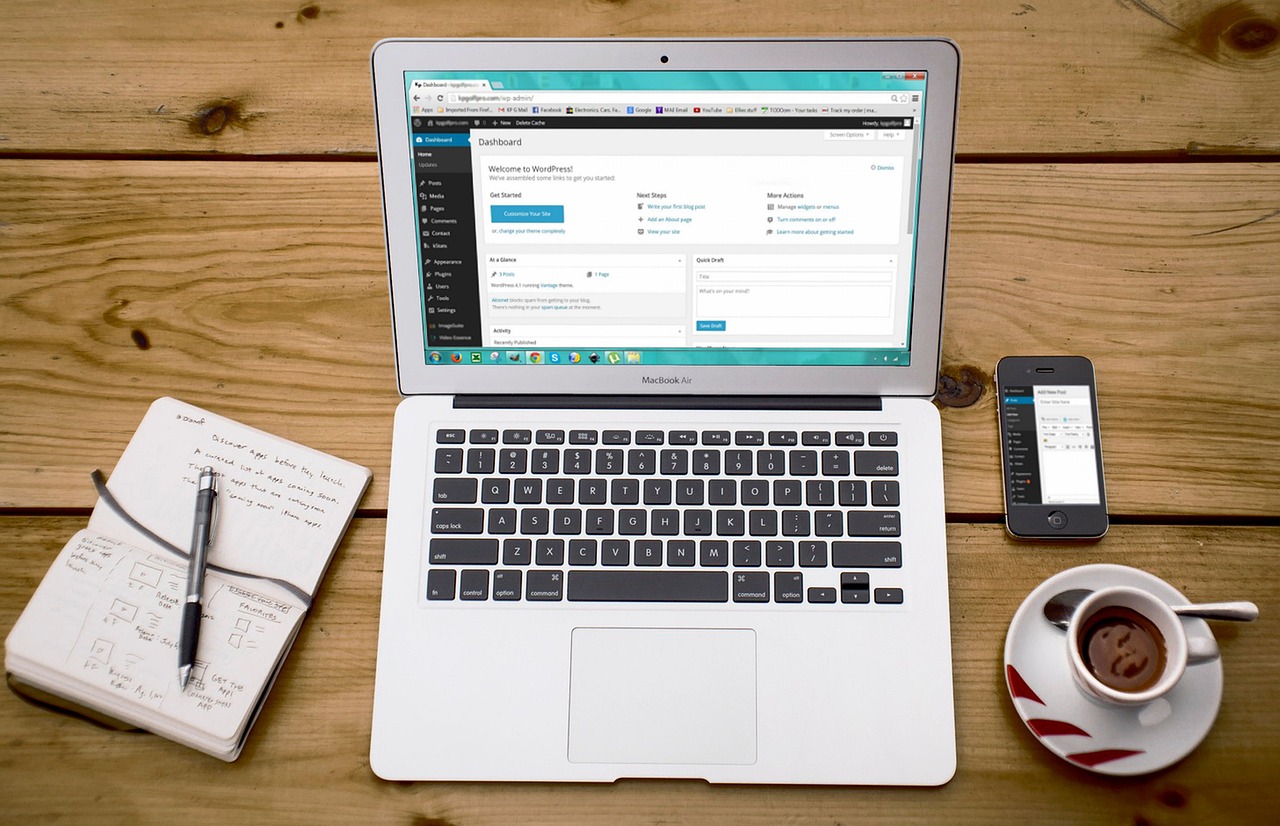
Choosing between WordPress and no-code development is not a question of which tool is universally better. It is a question of what your project needs most: fast launch, easy content updates, design control, custom features, long-term maintenance, or a balanced mix of those priorities.
WordPress is usually a strong fit when a website needs structured content management, flexible publishing, SEO-friendly operations, plugins, and room to grow. No-code development is often useful when a team needs to publish a simpler site, prototype an idea, build an internal workflow, or create an initial app without beginning with a full custom development process.
This guide explains the difference in plain language, compares the main trade-offs, and shows how Greeden can support both WordPress development and no-code implementation.
Quick comparison: WordPress and no-code development
| Decision point | WordPress | No-code development |
|---|---|---|
| Best fit | Content-rich websites, business sites, blogs, news sites, portfolios, and projects that may need custom features later. | Simple websites, quick prototypes, internal tools, and apps that need to be built quickly with limited technical resources. |
| How editing works | Content is managed in a CMS dashboard. Themes, plugins, and developer support can extend the site when needed. | Pages, screens, and workflows are usually built through visual editors, templates, prebuilt components, and platform settings. |
| Customization | Flexible through themes, plugins, widgets, and custom development. | Fast and approachable, but often limited by the platform’s available components and configuration options. |
| Long-term operation | Suitable for ongoing content updates, SEO improvements, feature additions, and hosting control when maintenance is handled carefully. | Convenient for smaller or early-stage projects, but platform dependence can become important as requirements grow. |
| Main risk to check | Maintenance, security, plugin choices, hosting, and implementation quality need regular attention. | Customization limits, scalability, migration, costs, data handling, and platform dependency should be reviewed before launch. |
The plain-language difference
WordPress is a content management system, often shortened to CMS. A CMS is software that lets a team create, edit, organize, and publish website content from an admin dashboard instead of editing every page as a separate technical file.
No-code development means building websites or applications through visual tools instead of writing the full codebase from the beginning. Many no-code tools provide drag-and-drop editing, templates, workflow builders, and ready-made components.
The practical difference is this: WordPress gives a team a flexible publishing foundation that can be extended over time, while no-code tools often help a team move quickly when the requirements are simple, the budget is limited, or the first goal is to test an idea.
What WordPress is best for
WordPress began as a blogging tool and is now used for corporate websites, e-commerce sites, portfolios, news sites, blogs, and other content-focused projects. Its main strength is that a team can start with a manageable website and then expand the structure, design, features, and publishing workflow as the project becomes more mature.
That flexibility matters when the website is not just a brochure, but an operating asset. If the team will publish articles, update service pages, manage categories, improve search visibility, and adjust content over time, WordPress can provide a practical foundation.
Key strengths of WordPress
- Content management: Editors can create posts, update pages, upload images, and manage routine publishing work from the dashboard.
- Customizability: Themes, plugins, widgets, and custom code make it possible to adjust both design and functionality.
- SEO-friendly operation: WordPress makes it practical to manage titles, content, internal links, images, and SEO plugins in one publishing workflow.
- Active ecosystem: A large community provides themes, plugins, documentation, and implementation examples.
- Room for development: Developers can extend WordPress with custom themes, plugins, integrations, and implementation work when standard settings are not enough.
Common WordPress use cases
- Blogs and news websites: WordPress works well when a site needs frequent articles, categories, tags, archives, and editorial updates.
- Small business websites: Teams can begin with a manageable site structure, then improve content, design, SEO, and functionality over time.
- Custom projects: When a website needs specific layouts, integrations, or workflows, WordPress can be extended through developer-led implementation.
If your project needs deeper design control, Greeden’s guide to creating a custom WordPress theme explains what more advanced customization can involve. It is also worth reviewing the limitations of WordPress before deciding how far to customize the platform.
What no-code development is best for
No-code development is useful when the first priority is speed and clarity. A team can build screens, test workflows, and revise an idea without waiting for every small change to go through a full engineering cycle.
This does not mean no-code projects require no planning. The team still needs to define the audience, core workflow, content, data handling, design expectations, and long-term ownership. No-code tools can make production faster, but they do not remove the need to decide what the product or website should actually do.
Common examples of no-code tools include Wix, Webflow, and Bubble. The right tool depends on whether the project is mainly a website, an application, a prototype, or an internal workflow tool.
Key strengths of no-code development
- Fast launch speed: Teams can create and revise simple websites or applications without a full custom development cycle.
- Approachable interface: Visual editing makes it easier for non-technical members to participate in planning and updates.
- Useful for prototyping: Ideas can be turned into working screens quickly, making it easier to collect feedback before larger investment.
- Lower starting barrier: A team can often begin with existing components instead of designing every screen and workflow from scratch.
Common no-code use cases
- Startups and small businesses: No-code can help launch a first version when budget, schedule, or technical resources are limited.
- Prototypes: Teams can test a concept before committing to a custom system.
- Non-technical teams: Business teams can manage simple workflows and content without waiting for every small change to go through engineering.
No-code is not risk-free. Before choosing a platform, review common no-code development pitfalls, including customization limits, scalability, security, and platform dependency. For broader planning, Greeden’s article on simple app development compares no-code, low-code, templates, and cloud tools.
WordPress vs. no-code: the main decision points
The right choice becomes clearer when you separate the launch phase from the operating phase. A tool that is excellent for the first release may not be the best tool for long-term maintenance. At the same time, a more flexible platform may require more planning, upkeep, and technical judgment.
1. Launch speed
- Choose WordPress when the first release needs a strong content structure, blog or article publishing, categories, tags, and room for later development.
- Choose no-code development when the team needs to test an idea quickly, publish a small site, or build a simple workflow with a visual editor.
2. Development flexibility
- WordPress: Works well when the project may need custom layouts, plugin selection, integrations, content structure, or developer-led expansion.
- No-code development: Works well when speed, visual editing, and ease of iteration matter more than highly specific functionality.
3. Customizability
- WordPress: Can support detailed design and functionality changes through themes, plugins, PHP, CSS, and other implementation work.
- No-code development: Can handle straightforward requirements quickly, but complex logic or unusual workflows may reach platform limits.
4. Scalability and long-term operation
- WordPress: Can grow with a business when hosting, security, maintenance, content operations, and SEO are managed carefully.
- No-code development: Can be efficient at the beginning, but teams should consider future migration, platform costs, data handling, and feature limitations.
5. Team skills and maintenance
- WordPress: Works best when someone can manage updates, plugins, content quality, security, and hosting decisions.
- No-code development: Works best when the team needs a visual workflow and accepts the limits of the chosen platform.
How to choose the right approach
A practical decision does not start with the tool. It starts with the job the website or application must do. Use these questions before committing to either approach.
| Question | Why it matters |
|---|---|
| What must be launched first? | A simple landing page, content-heavy website, prototype, and application workflow can each point to a different solution. |
| Who will update it after launch? | If editors will publish content regularly, content operations matter. If a business team will adjust screens or workflows, visual editing may matter more. |
| How much customization is likely? | Standard pages and simple workflows are easier to handle with no-code tools. Specific design, data, or integration needs may require WordPress development or custom implementation. |
| What needs to stay flexible over time? | Content growth, SEO work, maintenance, migration, platform costs, and data handling can affect the decision after the first release. |
A practical rule of thumb
Choose WordPress when the website will become a long-term publishing and marketing asset. That usually means the team expects ongoing content updates, SEO work, custom pages, integrations, and careful maintenance.
Choose no-code development when the immediate goal is to build something useful quickly and the requirements fit within the chosen platform. This is especially practical for prototypes, simple sites, early product validation, and internal tools.
If the project has both needs, the decision may not be either-or. A team might use no-code to test a workflow first, then move to a more flexible implementation once the requirements are clearer. Another team might choose WordPress from the start because content publishing and long-term site ownership are already central to the project.
How Greeden supports both approaches
Greeden supports both WordPress custom development and no-code tool implementation. Instead of choosing a tool first, we help clarify the business goal, required features, operating budget, internal skills, and long-term maintenance plan.
- WordPress development: Suitable for larger websites, custom functionality, structured content operations, security-minded operation, and SEO improvement.
- No-code development assistance: Useful for teams that need help selecting a tool, building an initial version, and launching a website or application quickly.
For first-time projects, this planning step is especially important. The right approach should match both the first release and the way the site or application will be managed after launch.
Conclusion
WordPress is a strong option when customization, content management, scalability, and long-term flexibility are important. No-code development is often a good option when the goal is to launch quickly, validate an idea, or let a non-technical team manage a simpler website or application.
The safest choice is the one that matches the project’s real operating needs, not only the tool that looks easiest at the start. If you need help choosing a development approach or bringing a website or application to life, contact Greeden here.