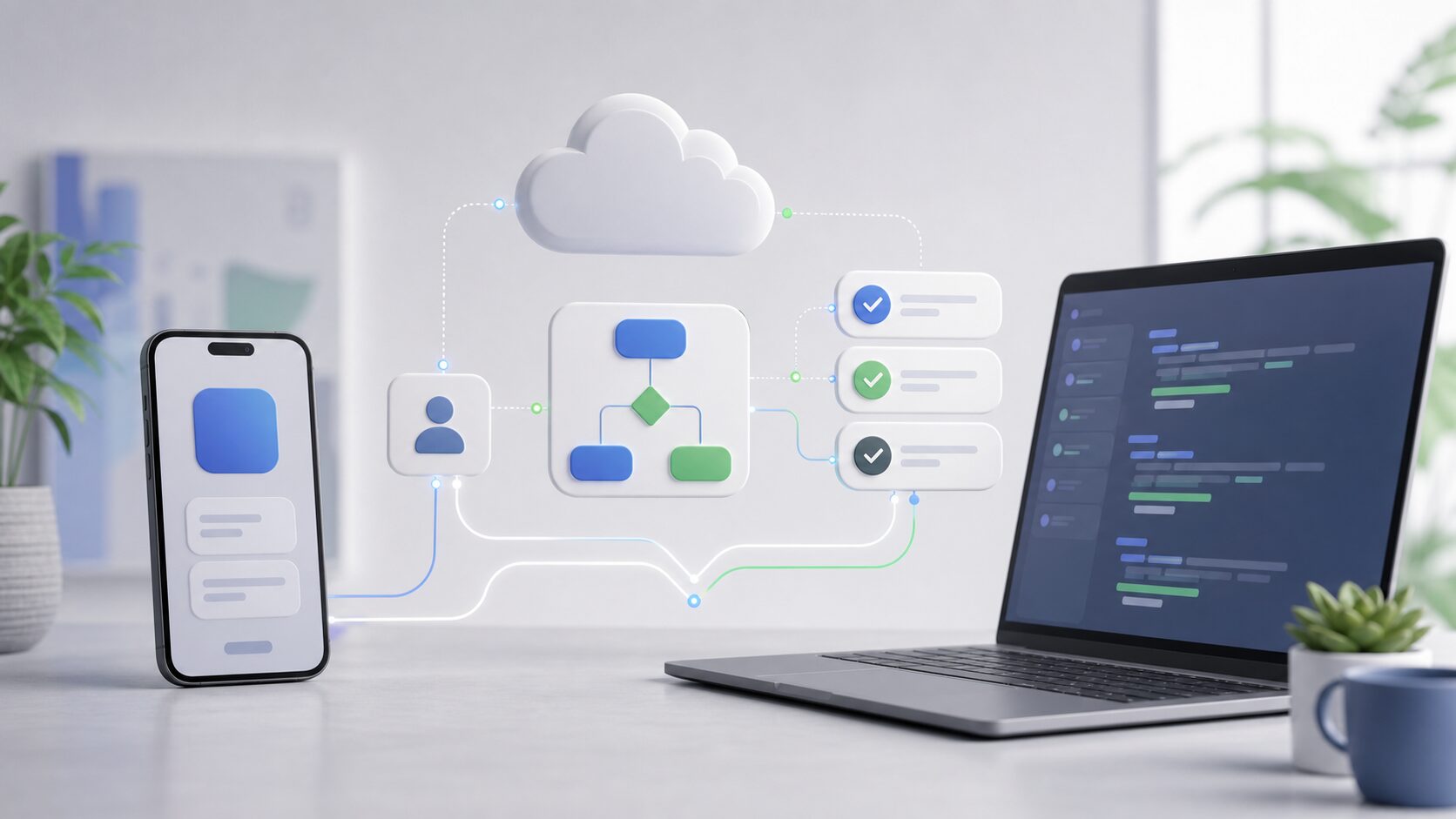
iOS app development is no longer only about building screens and shipping binaries. The workflow now includes where implementation runs, who reviews it, and which device is used to make decisions.
Cursor describes a native iOS app in public beta that can launch cloud agents or control agents running on a developer’s computer from a phone. Kiro presents its iOS mobile surface as a way to start cloud sessions, review diffs, and approve changes.
This does not mean that professional iOS apps should be built entirely on a phone. The practical shift is that development environments, cloud execution, specifications, and review decisions are becoming separate surfaces, with the phone acting as a control and review point.
The Phone Becomes a Decision Surface
Mobile access to coding agents can move work forward while a developer is away from a desk. The useful task is not typing every line of code on a small screen.
A phone is better suited to starting work, checking status, giving small follow-up instructions, and scanning a first pass of a diff. Architecture decisions, security review, and release approval still need the normal development environment and the team’s review process.
Cursor says its iOS app lets developers choose a repository, select a model, use voice input, and guide agents with slash commands. It also describes Live Activities and push notifications for completion, blocked input, and review-ready status.
Teams should therefore decide which actions are safe from mobile before the workflow becomes routine. A notification that a change is ready should not imply that it can be merged immediately.
Boundaries to Define First
When agents participate in iOS development, boundary design comes before speed. If the boundary is vague, code may move quickly while App Review, privacy, and maintenance risks accumulate.
| Decision | Why it matters | Practical check |
|---|---|---|
| Agent task scope | UI fixes, tests, copy changes, and investigations need different supervision | Keep tasks small and reserve merge approval for human review |
| Permitted data | Device logs, customer data, and analytics data can carry privacy obligations | Use sample data, anonymized logs, and reproduction steps |
| Review evidence | Changes that cannot be explained later are weak in maintenance | Keep specs, diffs, test results, and review comments |
| App Store explanation | Non-obvious behavior and purchases often need review notes | Prepare feature notes, demo access, and live backend checks before submission |
Specs Before Implementation
Kiro emphasizes spec-driven development, where prompts become requirements, designs, and tasks. Its documentation describes requirements.md, design.md, and tasks.md as the core artifacts for user stories, acceptance criteria, architecture, and implementation work.
The same discipline helps iOS teams. A notification feature should not be specified as only “send notifications.” The spec should say when the user receives them, how the user can disable them, which screen opens from the notification, and what happens when permissions are denied.
The spec does not have to be long. A compact document covering screens, states, inputs, errors, permissions, analytics, and tests can reduce the risk that an agent implements the wrong assumption.
Do Not Leave Review and App Store Work Until the End
Apple’s App Review Guidelines tell developers to test for crashes and bugs, keep metadata accurate, provide demo access for account-based apps, and keep backend services available during review.
Apple also requires developers to describe data collection practices in App Store Connect. If an app uses third-party code such as advertising or analytics SDKs, the developer needs to describe what that code collects, how it may be used, and whether it is used for tracking.
For teams using coding agents, this means privacy labels, SDK choices, notification behavior, account flows, payments, and external integrations should be reviewed while the feature is being implemented, not just before submission.
A Small Adoption Path
The safest adoption path starts with work that can be reverted easily. Instead of handing over a major feature rewrite, begin with tests, copy cleanup, small layout fixes, documentation updates, or investigation tasks.
- Separate specifications the agent may read from information it should not access.
- Limit each task to one screen or one feature.
- Write acceptance criteria for display, input, errors, accessibility, and tests.
- Use the phone for first-pass review, but return final merge decisions to the normal review process.
- Before submission, check App Review notes, privacy information, demo access, and backend availability.
This approach lets agents improve throughput without removing product judgment from the team. In iOS app development, the advantage comes from better specifications and review design as much as from the tool itself.
FAQ
Can iOS app development be completed only on an iPhone?
Not in most professional workflows. A mobile app is useful for starting sessions, checking progress, and reviewing small diffs, but build validation, debugging, architecture review, and release decisions still belong in the normal development environment.
What work is easiest to delegate to an agent?
Tests, small UI fixes, reproduction investigations, documentation updates, and refactoring analysis are good starting points. Authentication, payments, personal data, medical, financial, or other high-risk work needs tighter scope and explicit review conditions.
What matters most for App Store review?
Teams should align functionality, metadata, demo access, backend readiness, and privacy information before submission. Non-obvious features and external service integrations should be explainable in review notes.
Sources Consulted
- Cursor: Build from anywhere with Cursor for iOS
- Cursor: Cursor Mobile App for iOS
- Kiro for iOS
- Kiro Docs: Specs
- Apple Developer: App Review Guidelines
- Apple Developer: User Privacy and Data Use